Uncategorized
-

- Coworking Resources
- Technology
- Uncategorized
Where are your workspace bookings coming from?
Jane Robathan on September 1, 2026 -

- Community
- Coworking
- Coworking Resources
- Uncategorized
The Hidden Utilisation Problem Affecting Most Coworking Spaces – And How to Fix It
Emily Nguyen on December 3, 2025 -

- Coworking Resources
- Technology
- Uncategorized
Meeting Room Management and the Tech Behind It
Emily Nguyen on October 31, 2025 -

- New Releases
- Technology
- Uncategorized
NexDelivery Got a Glow-up + Features for Virtual Office Management
Jane Robathan on August 1, 2025 -

- Uncategorized
Sales and Marketing for Coworking Spaces in the Age of AI
Like many coworking space operators, you’re likely setting ambitious growth targets and reviewing your sales and marketing...
Lucy McInally on February 20, 2025 -
- Uncategorized
5 Ways to Enhance the Coworking Member Experience
Introducing Nexudus Members Portal V4! Enhancing your coworking member experience is our top priority so say hello...
Manisha Veja on July 11, 2024 -

- Uncategorized
Camp David: Redefining Coworking Spaces with Innovative Design and Maker Culture
We recently launched our interview series, where we speak to Nexudus customers and get to know them...
Manisha Veja on September 28, 2023 -
- Uncategorized
Streamline your marketing processes with Syncaroo
Marketing your coworking or flex workspace can be a time-consuming job. Luckily, Syncaroo offers a fantastic integration...
Sammy Dukes on December 9, 2021 -
- Uncategorized
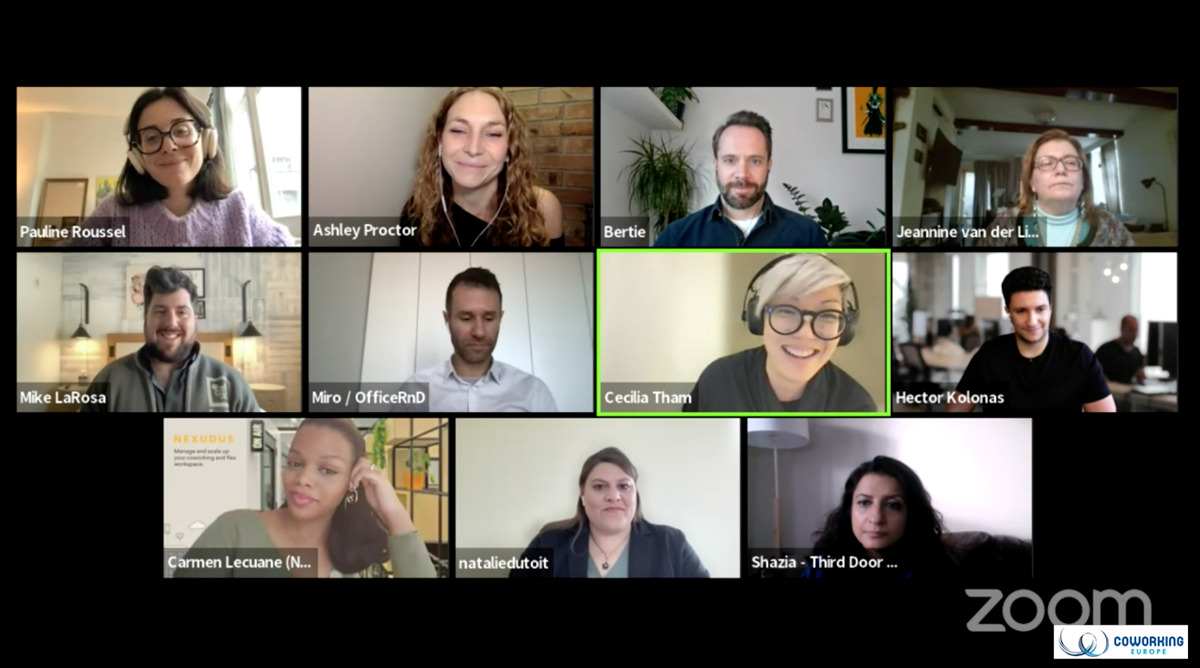
What does IDEA stand for and why is it so important in coworking?
Last week at Coworking Europe 2021, Nexudus' very own Carmen Lecuane joined a number of other prominent...
Kate Tattersfield on December 7, 2021 -

- Uncategorized
An Interview With Sam Hulls, Head of Collaboration at The Melting Pot
We recently sat down with Sam Hulls, Head of Collaboration at The Melting Pot, a coworking space...
Sammy Dukes on June 11, 2021 -

- Uncategorized
Nexudus Year in Review – 2020 Release Roundup
2020 completely changed the way we live and work, and the effects of the year's craziness were...
Daniel Davies on December 31, 2020 -
- Uncategorized
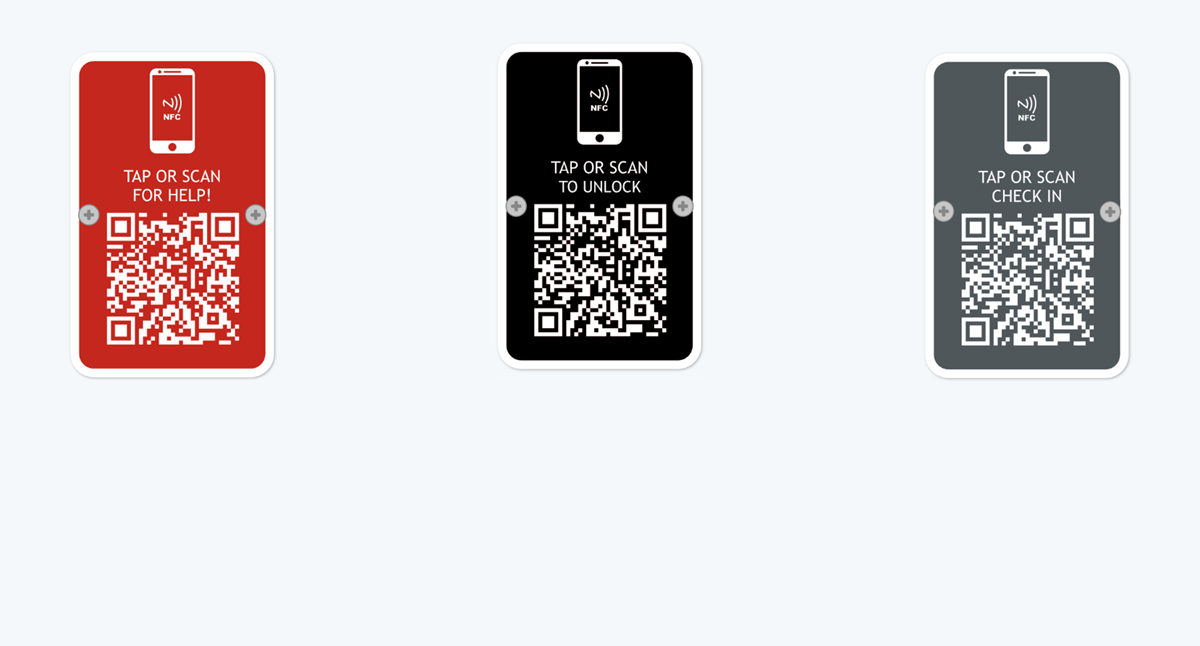
Nexudus Automation Tiles: Paving The Way Towards A Contactless Future For Flexible Workspaces
Nexudus Automation Tiles help you to connect your physical space with your Nexudus account. Learn more about...
Daniel Davies on December 18, 2020
TL;DR
Nexudus now records the original source of every booking, helping you compare booking journeys across Passport, the Members Portal, NexBoard, the Admin Panel and other connected tools.
A booking tells you someone wants to use a space. But where did they actually make that booking?
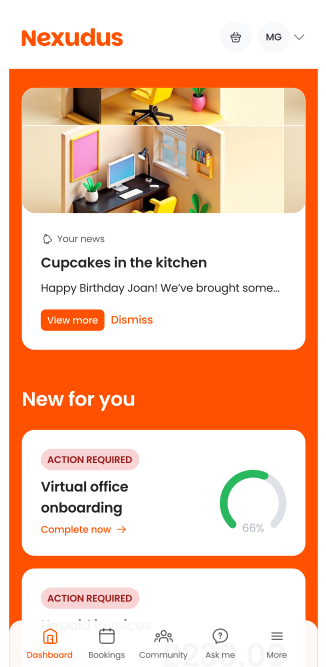
Members have more than one way to book across your workspace. They might reserve a meeting room through your Members Portal, book on the go with Passport, or make a booking directly from NexBoard. Your team might also create bookings for them through the Admin Panel.
Now, Nexudus gives you visibility into where those bookings started. Nexudus automatically records the original source of new bookings. Admins can see the source on individual booking details and filter booking lists by source, giving you more context behind your booking activity and how people choose to interact with your workspace.
See the journey behind every booking
Not every member books in the same way.
Someone might use Passport when they need a desk while they’re on the move.
Another member might head to your Members Portal to book a meeting room in advance. Someone already in the building could use NexBoard to book an available room.
Previously, those bookings could all end up looking much the same in your booking data.
With booking source tracking, Nexudus records where each new booking was originally made, so you can see the journey behind it.
And that information isn’t just there to view on individual bookings — you can use it to dig into booking activity across your workspace.
Booking sources include the Members Portal, Passport, NexBoard and Admin Panel, as well as API integrations, MCP, CLI, SDK and Automation Tiles.

Filter bookings by source
Admins can filter booking lists by Booking source, making it easy to focus on bookings created through a particular route. You can also see the original source in the Booking source section of an individual booking’s details.
You could filter for NexBoard bookings after introducing room displays across your workspace. Or look specifically at Passport bookings to better understand how much booking activity originates from the app. You can also distinguish bookings created through member-facing experiences from those created by your team in the Admin Panel.
Once you can separate those booking journeys, you can start looking at what they tell you about the way members choose to book.
How do your members prefer to book?
Giving members different ways to book is one thing, but really knowing which ones they use is another.
Booking source data gives you an additional signal when you’re looking at how people interact with your workspace.
If bookings from Passport are increasing, that could indicate more members are choosing to book on the go. If you’re rolling out NexBoard across more rooms, you can see bookings originating there. And if your Members Portal is a key part of your member experience, you can identify the bookings starting from it.
It isn’t a new analytics dashboard or a prediction of member behaviour. Instead, it gives you another useful piece of data to filter and explore — helping you build a clearer picture of the booking journeys being used across your workspace.
And because Nexudus records where a booking originally came from, that picture isn’t lost when someone makes changes later.
Keep the original source, even when a booking changes
The source tells you where a booking started, rather than simply where it was last updated.
Imagine a member books a meeting room through the Members Portal. Later, someone on your team opens that booking in the Admin Panel to make a change.
The booking source remains Members Portal.
The original source is also retained if a booking is cancelled and subsequently restored, so changes to the booking don’t remove that context.
That means you can distinguish where bookings genuinely originated from the administrative work that might happen afterwards.
Put all of that together, and each booking gives you a little more context than it did before.

Get more context from your booking data
For workspace operators, understanding how spaces are being used is an important part of running a great member experience. Now there’s another piece of that picture.
Alongside seeing what people are booking and when, you can see where the booking came from.
Whether you want to understand the uptake of NexBoard, explore bookings coming through Passport, separate member bookings from those created by your team, or simply get more context behind your booking activity, booking source tracking makes that information easier to find.
See where your bookings are coming from in the Nexudus Admin Panel.