

Private Messaging on the Members Portal
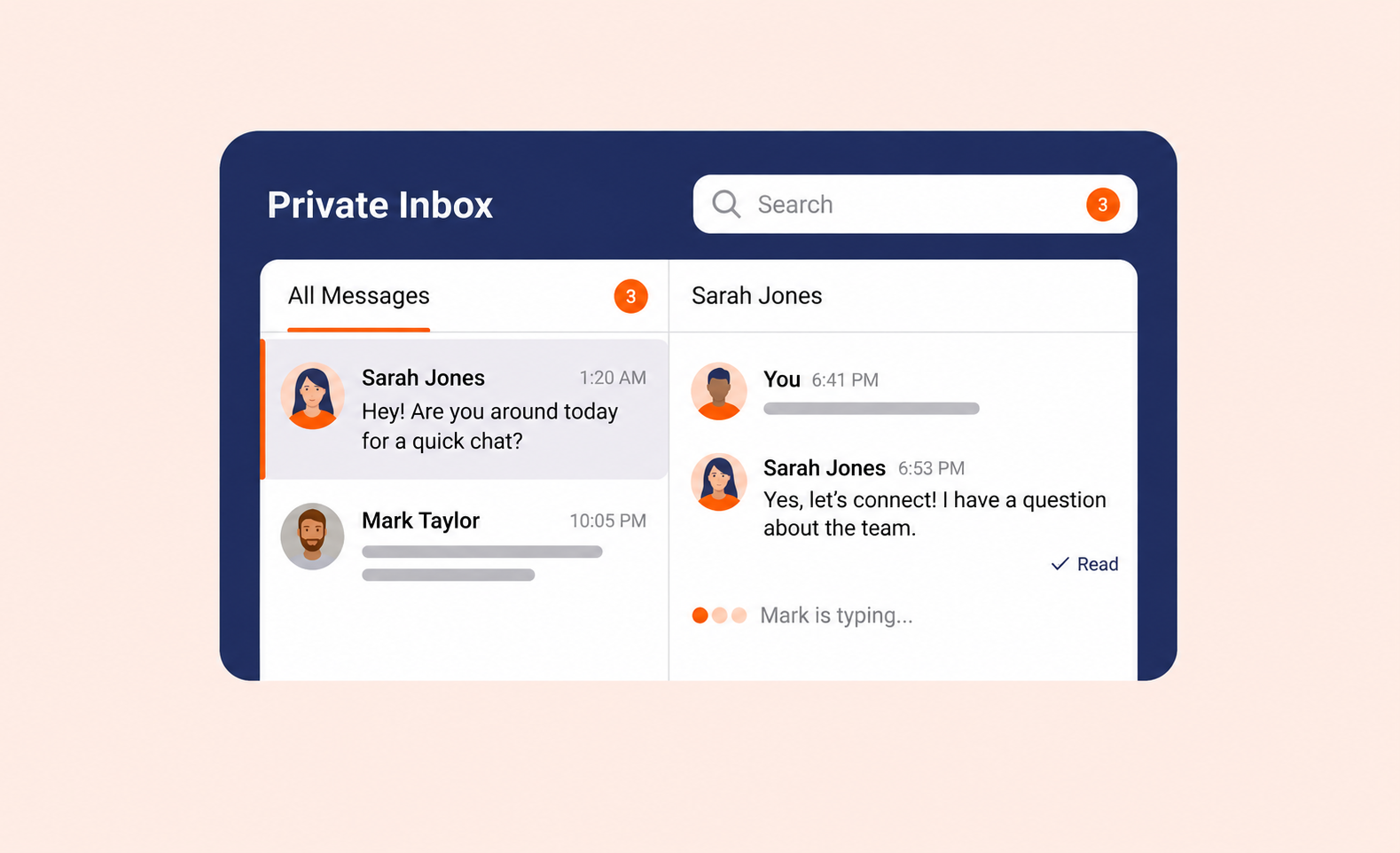
Private messaging between members is now easier!
Private Messaging gives members a direct, in-platform way to connect with each other and get quick answers to day-to-day questions, without moving the conversation to an external channel. Members can start a private conversation with another member, search their existing conversations, and follow a discussion in a focused message view, all from inside the latest Members Portal. It helps keep the community active and connected without requiring staff to broker every interaction.
Private Messaging is not intended to replace your official support channels or community moderation tools. Instead, it gives members a practical way to build the informal relationships that make a space feel like a community.
Private inbox
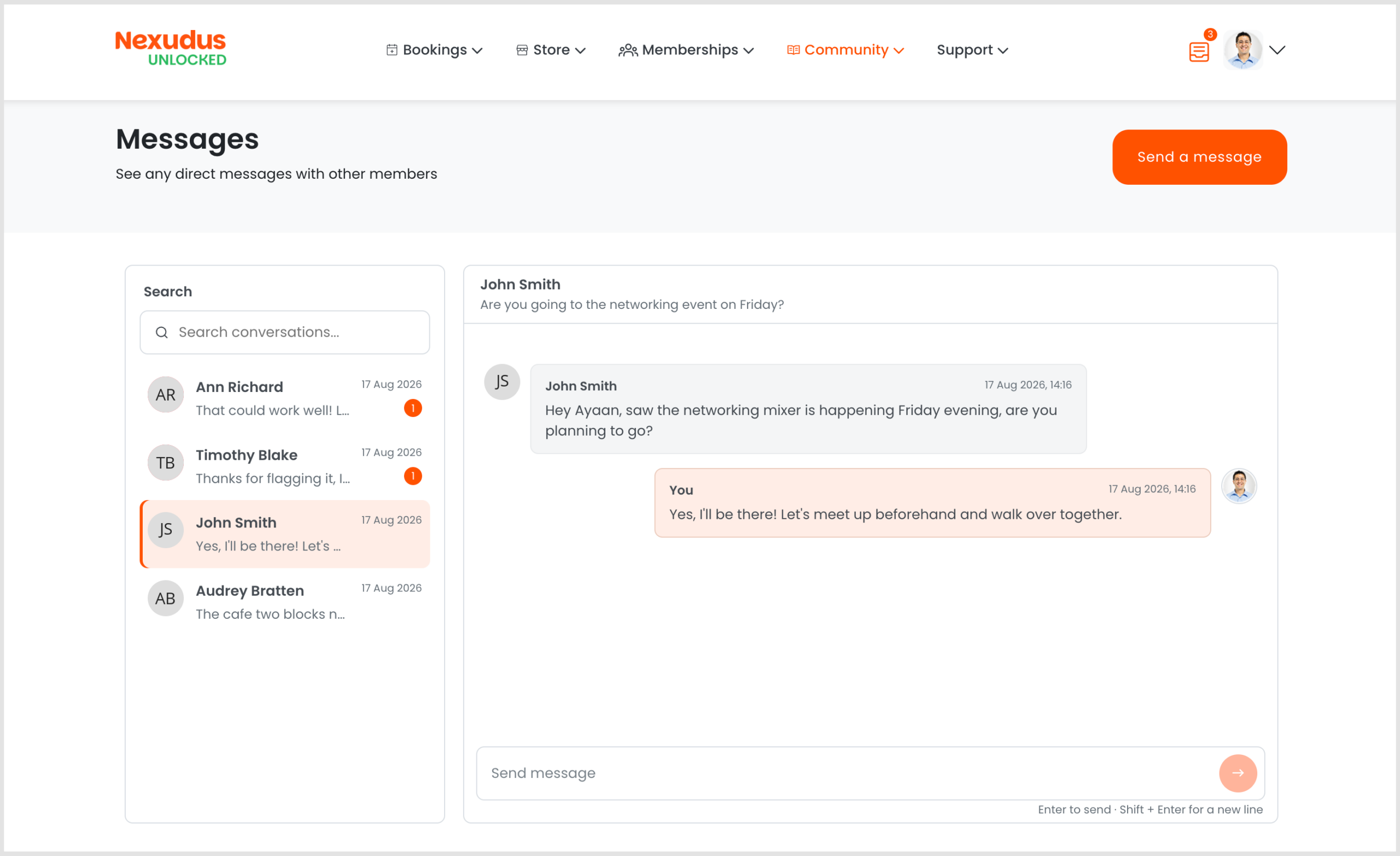
Members get a dedicated inbox for their private conversations, with search and unread indicators to help them keep track of active discussions. Infinite loading keeps the conversation list responsive, even for members with a long message history.
Starting a conversation
Members can start a one-to-one or private group conversation directly from the Discussion Board page or by clicking the inbox icon in the top-right of the screen.
Real-time messaging and typing indicators
Conversations update in real time, so new messages appear without the member needing to refresh the page. Typing indicators let members know when someone is actively responding, and read status updates automatically to keep unread counts accurate.
Members can scroll back through their full conversation history, with infinite loading keeping the message view responsive even in long-running discussions.
Want to know more about
how Nexudus could help your business?
We’re here to answer any questions you have.