

Bulk Payment Imports from DATEV
Reconciling DATEV payments in Nexudus just got much faster!
DATEV is one of Europe’s largest software providers used for financial accounting, payroll and tax compliance.
Instead of manually updating invoice payment statuses one by one in the Admin Panel, you can now bulk import your DATEV payment files directly into Nexudus.
What’s new?
Instead of manually updating invoices one by one after reconciling in DATEV, the bulk import tool in the Admin Panel reads your DATEV file, matches payments to unpaid Nexudus invoices, and updates balances in bulk.
- Automatic Matching: Matches DATEV Belegfeld 1 (the primary data field used for the invoice or document number in DATEV accounting software) directly to your Nexudus invoice numbers.
- Full & Partial Payments: Accurately applies partial payments or full balance settlements.
- Duplicate Protection: Built-in safeguards prevent importing the same DATEV payment twice.
Setup
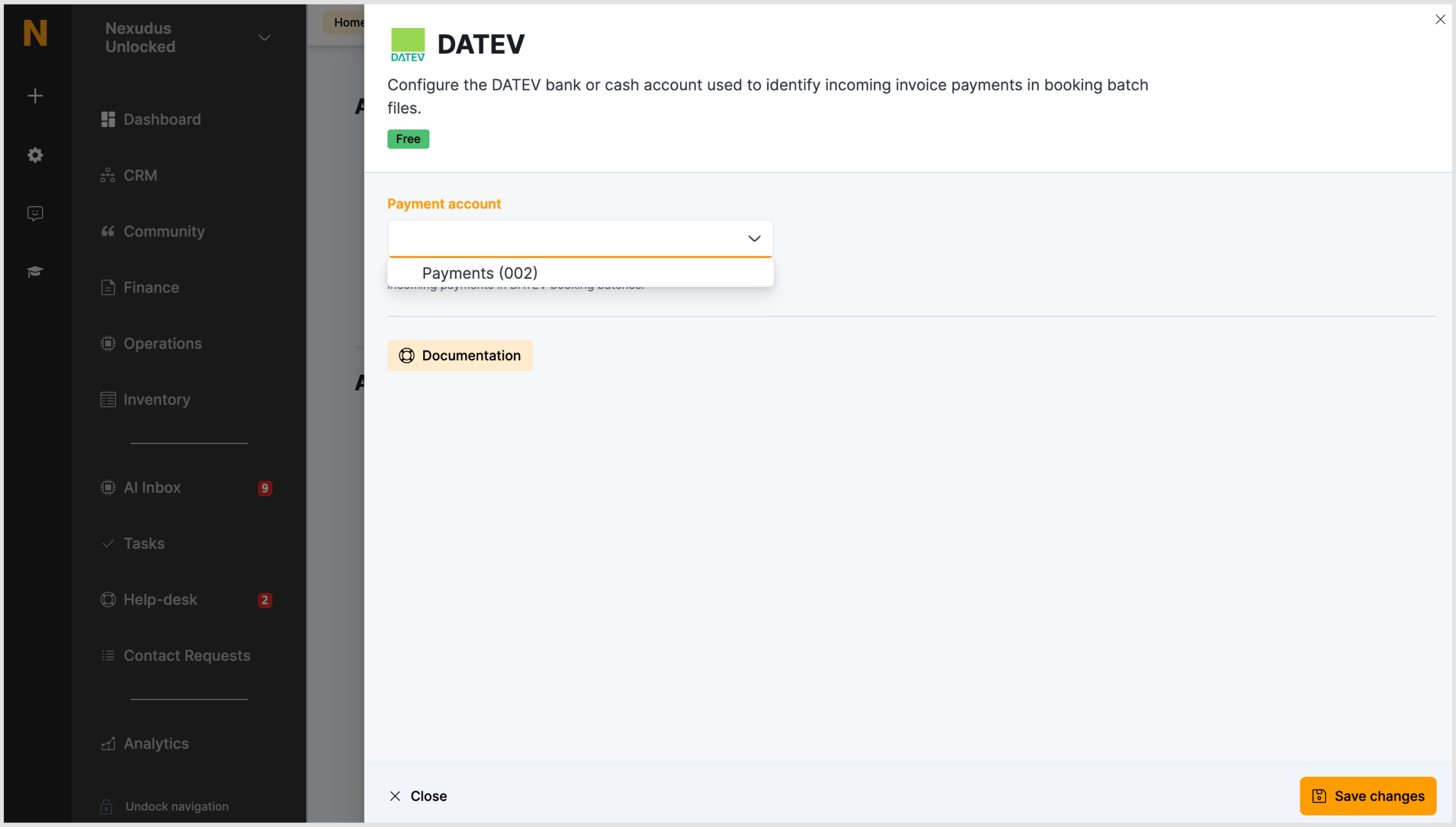
Before importing any payment records, you’ll first need to configure the DATEV integration in the Nexudus Admin Panel.
- Navigate to Settings > Integrations > DATEV.
- Select the financial account used for incoming DATEV payments.
- Click Save changes.
Bulk import
Once you’ve configured the DATEV integration on the Admin Panel, you can import payments in bulk using the bulk import tool.
- Navigate to Settings > Imports.
- Click + Start new import.
- Select the DATEV payments option in the What would you like to import? field.
- Upload the file with the payment records. Ensure you use the template provided so the information is in the correct format.
- Review the records.
- Confirm the import.
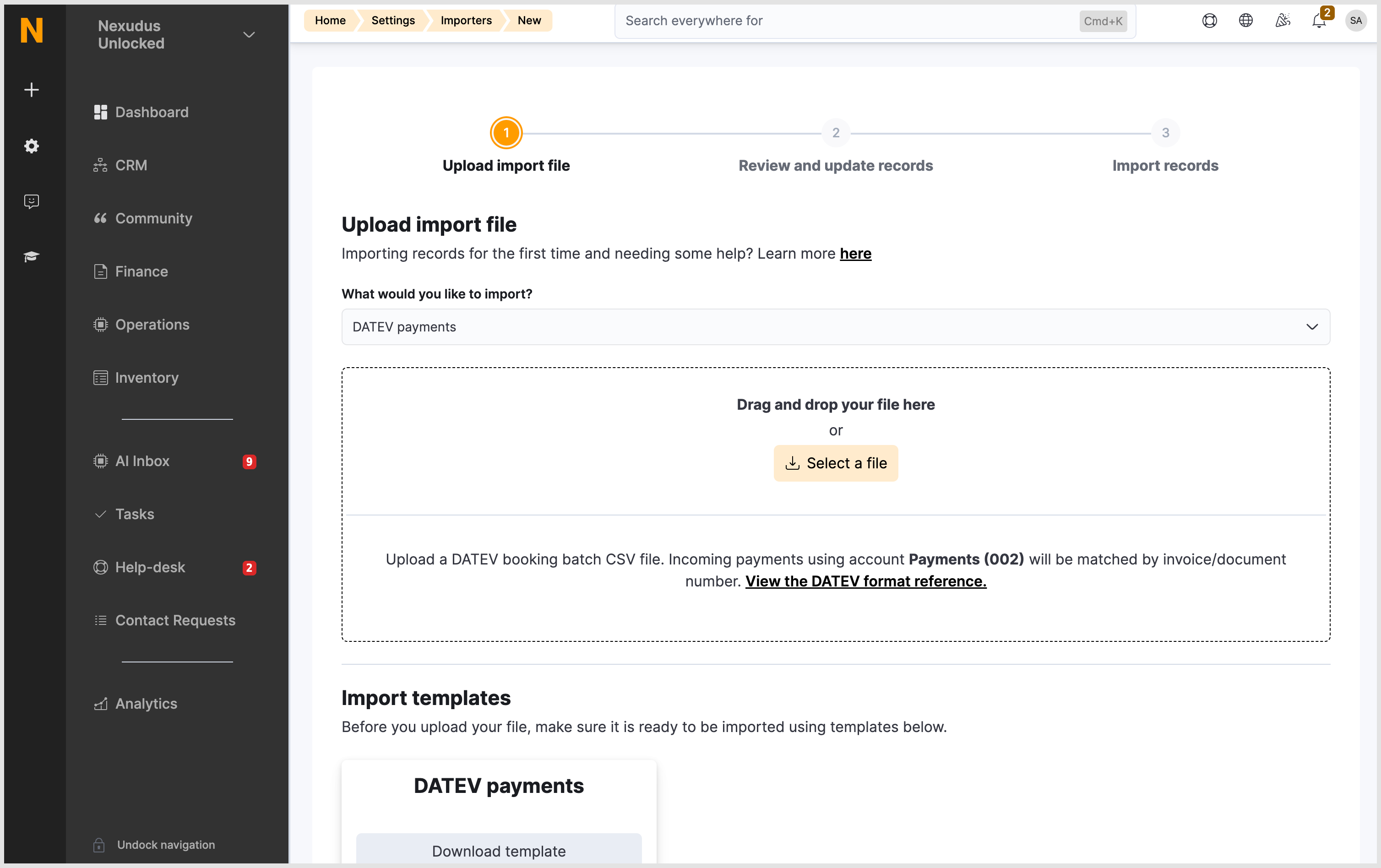
Nexudus will validate the file, create the payment records in the background and update the customer ledger automatically.
For more information, check out the documentation.
Want to know more about
how Nexudus could help your business?
We’re here to answer any questions you have.