

Nexudus Proactive AI Agents: Automate Your Member Communications with Confidence
We are excited to introduce a major evolution in how you connect with your members. Up until now, our conversational AI has been reactive – waiting in the Members Portal to respond to customer inquiries.
Click here for more information on the conversational AI.
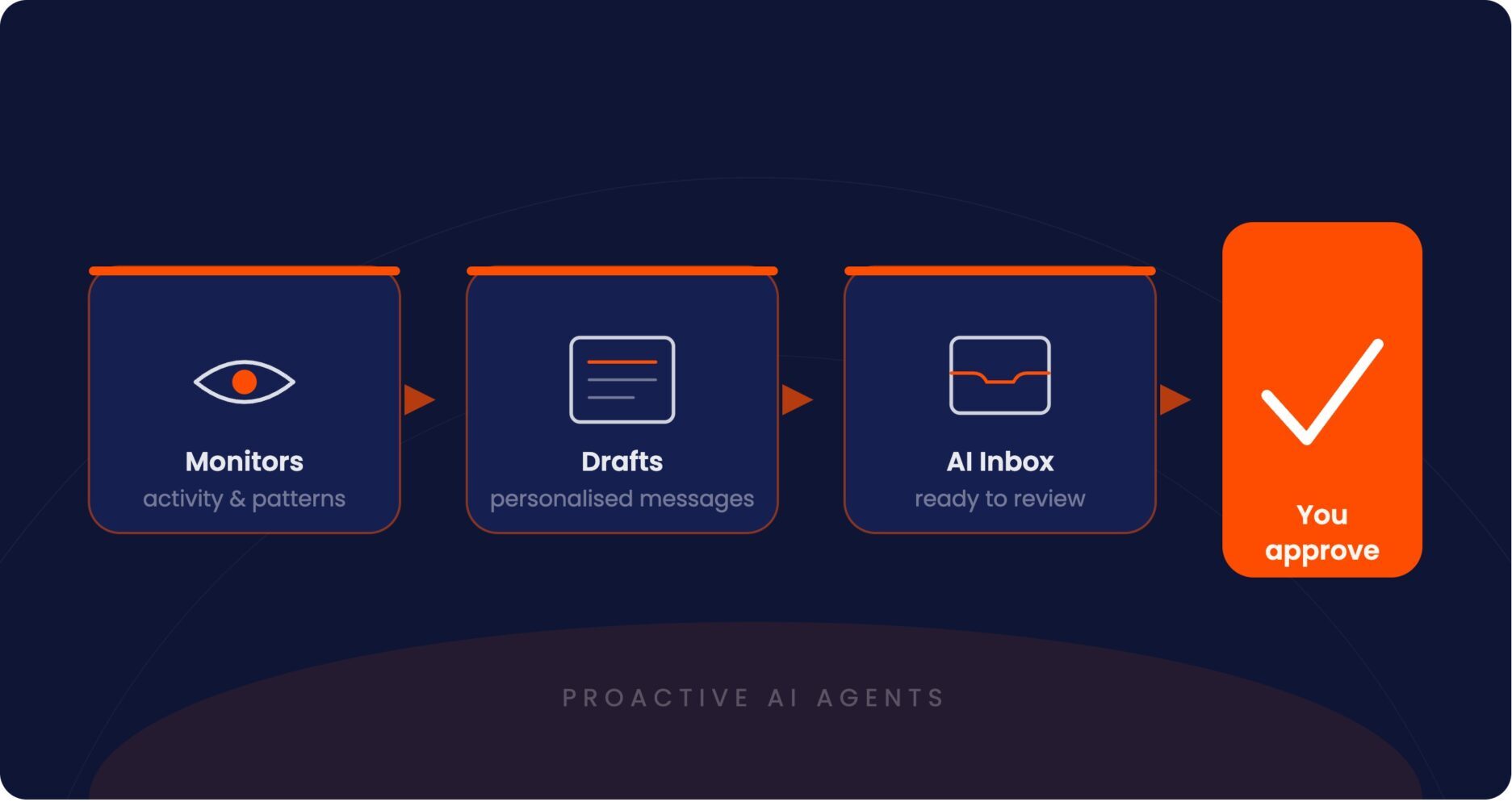
With Proactive AI Agents, our platform now intelligently monitors patterns, spots critical milestones or risks, and drafts personalised outbound communications for you to review and send.
How it works
Instead of relying on generic email templates or manual tracking, Proactive AI Agents handle the heavy lifting in four simple steps:
- The AI monitors activity
The system watches for key events that require attention – such as overdue invoices, expiring contracts, or declining member engagement – based on your configurations. - It drafts a personalised message
Rather than a rigid template, the AI writes a bespoke message tailored to the customer’s history, the specific situation, and your unique brand voice. - You review and approve
Everything lands in your new AI Inbox. You have total control to send the message as-is, edit it for a more personal touch, snooze it for later, or reject it entirely.
Once you are familiar with the Proactive Agent, you can also take it one step further and enable the auto-execute option. This allows the AI to send specific messages automatically while you maintain control over the threshold.
What agents are live right now?
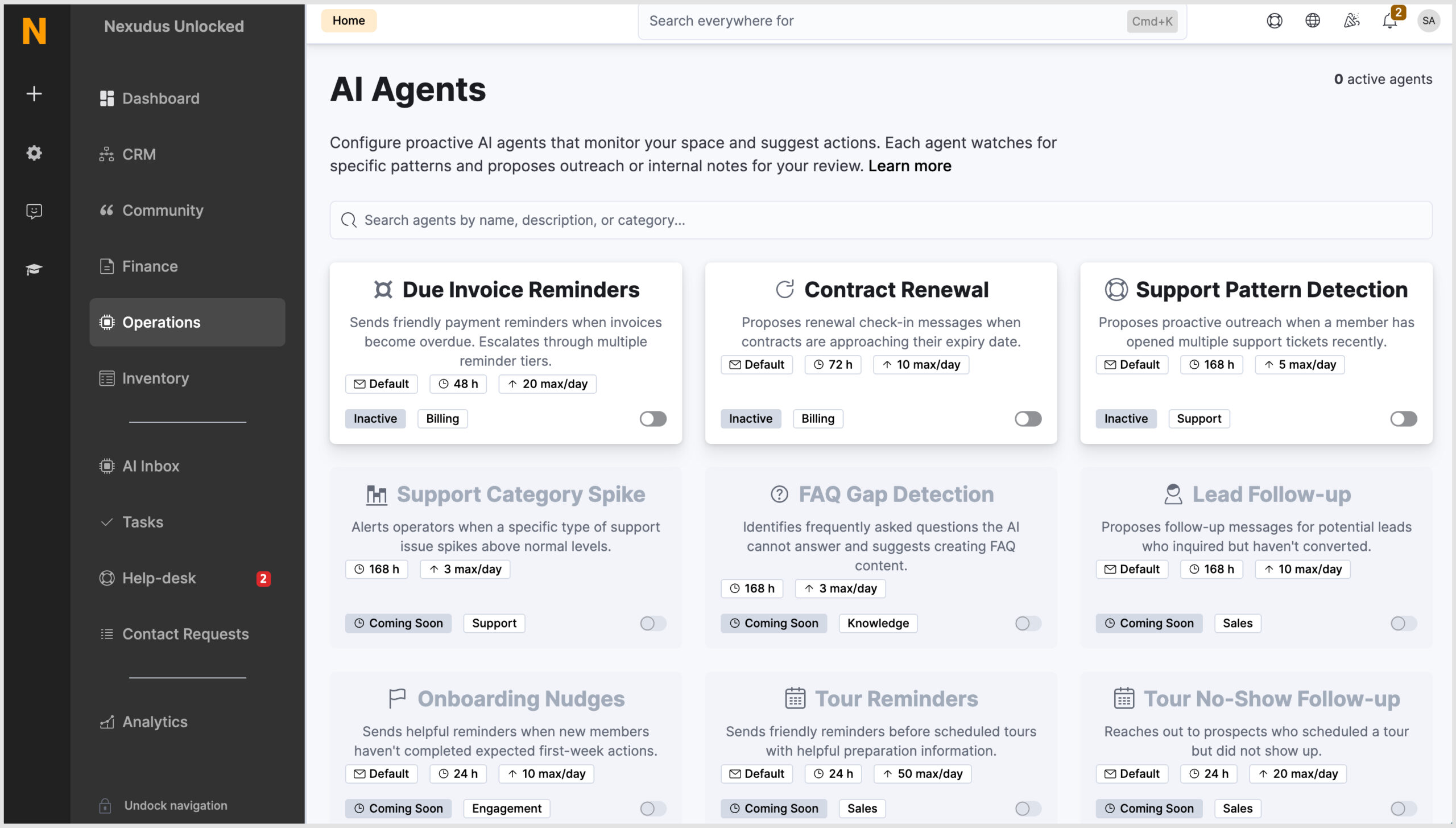
There are a number of agents that are live right now, with more being continuously worked on.
You can see what agents are live right now in Operations > Configure Agents on the AI Agent tile.
Built with safety and control in mind
This isn’t just another automation tool. We’ve built guardrails into the core of the system to ensure your brand reputation and customer experience are always protected:
- Full context: Every proposed action shows you exactly why it was triggered, pulling in customer history, recent activity, and past communications so you aren’t reviewing in the dark.
- Confidence scores: The AI assigns a confidence score (0–100%) to each draft, helping your team prioritise what needs a close eye and what is ready to send.
- Built-in safety rails:
- Cooldown periods: Prevents spamming the same customer twice within 48 hours.
- Daily limits: Cap the number of specific reminders sent per day to pace your outreach.
- Business hours: The system is holiday and weekend-aware, ensuring communications only go out during your customer’s local business hours.
- You’re in control: You can disable any agent at any time, keep everything on manual review, or customise the underlying prompts to perfectly match your tone.
How to configure your AI agents
Set up
Setting up your Proactive AI Agents is straightforward. The steps to set up the different agents are very similar, however, some agents may require additional information.
- In the Admin Panel, navigate to Operations > Configure Agents on the AI Agent tile.
- Select the specific agent and then toggle on the Enable this agent option.
- Define the review settings and limits.
- If applicable, customise the communication settings.
- Click Save changes.
The agent will immediately begin analysing background patterns and filtering its proposed actions into your AI Inbox.
Check out these guides for more information on configuring each agent.
Testing
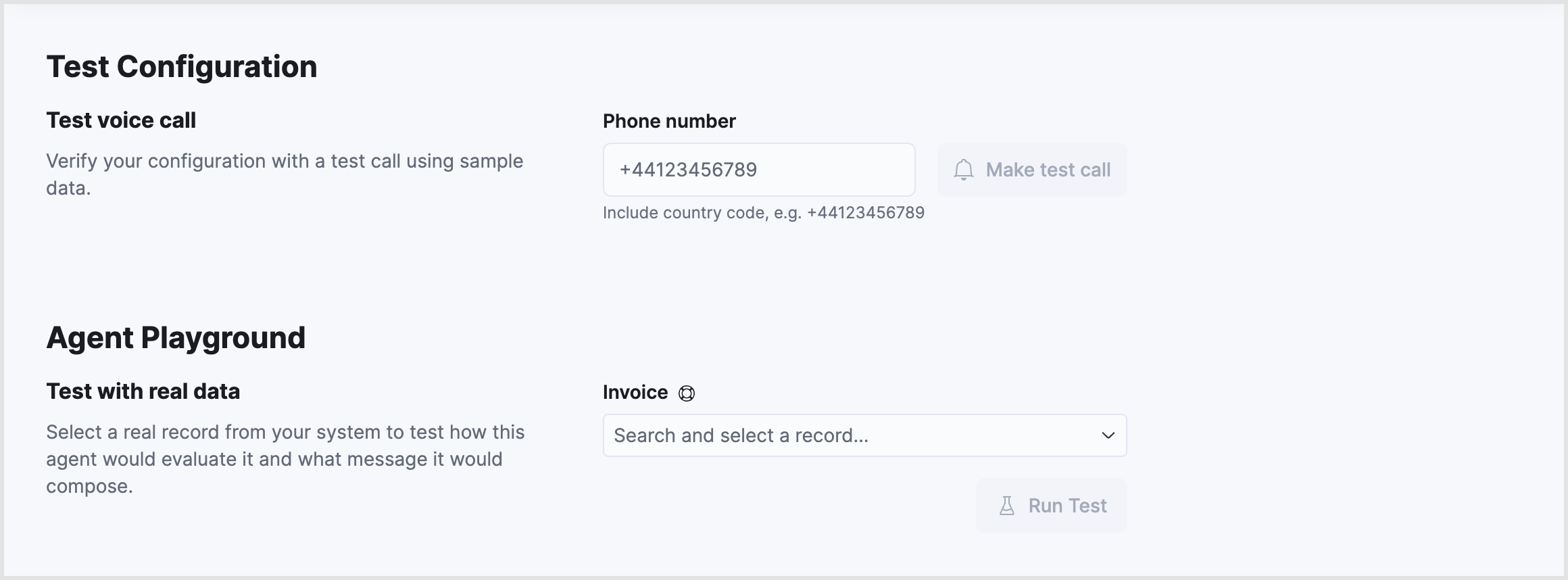
Before using the Agent for real customer interactions, you can see how it works in practice. Within each Agent profile, use the built-in tests for both chat and voice.
The Playground will let you adjust the prompts and guidance given to an agent, then test how it would respond to a specific scenario.
Each agent will also let you choose the type of records it works with, such as invoices, customers, contracts, help-desk tickets, and more. You can then run a test against actual records and see what the agent would have done, including whether it would have taken action or done nothing at all.
Want to know more about
how Nexudus could help your business?
We’re here to answer any questions you have.