


- Coworking Resources
- Technology
Want to Approve Access Only After Payment? Here’s How.
We get asked this a lot:
“Can I make sure new members actually pay before their account is activated?”
Yes: and you’ve got plenty of control over how that happens.
You can decide when payments are taken, how they’re handled, and what the system should do if someone doesn’t pay.
Here’s how it works in practice.


Setting up payments
You only need to connect a payment provider once, whether it’s Stripe Checkout, GoCardless, Spreadly, or whichever fits your region.
After that, Nexudus takes care of the flow. Members see a secure “add payment method” step hosted by your chosen provider, so you never handle anyone’s bank details yourself.
When you’re setting up how payments work, there are a few key things to decide:
- During sign-up: choose whether to collect payment straight away, or let the customer sign up first and stay suspended until you approve and take payment later.
- Deposits: these will apply if you’ve added a deposit product inside the plan settings.
- Recurring billing: applies only to members. Bookings can be paid upfront, once they’re completed, or added to a monthly invoice.
- When payments are taken: once a membership invoice is generated, payment is collected automatically when the invoice becomes due. The exact timing depends on your payment settings and contract start date.
- For bookings: decide whether payment is taken upfront, after the booking ends, or added to the member’s monthly bill.

Otti Junin
Implementation Specialist


Staying in control of payments
Every invoice sits in one place, visible to both you and your members, with a full audit trail showing who did what and when.
You can set Nexudus to activate new accounts only once payments have been received, which is ideal if you run on membership plans rather than casual passes.
And if someone doesn’t pay, you can:
- Suspend their account automatically
- Reactivate it only once the payment clears
- Set your own grace period before limiting access (doors, Wi-Fi, printing)
- Let the system handle reminders and notifications
Otti Junin
Implementation Specialist


Setting up payment rules
‘Rules’ are how you control what happens when someone doesn’t pay straight away.
Here’s how I usually set them up:
- Upfront payment: for instant methods (like cards), set a short payment window of around 10 to 15 minutes. If payment details aren’t added, the booking is cancelled automatically.
- Deferred payment: for slower methods (like direct debit or ACH), give members the option to pay once the booking has ended, or roll it into their monthly invoice.
- Suspension rules for plans: You can set suspension to kick in after 10–15 days or even up to 30 days for office members with larger invoices. This gives customers time to pay before the system suspends their account automatically, regardless of payment method.
These rules keep everything fair: members aren’t locked out while payments are clearing, and the system still enforces your policies if someone genuinely doesn’t pay.

How different payment types work
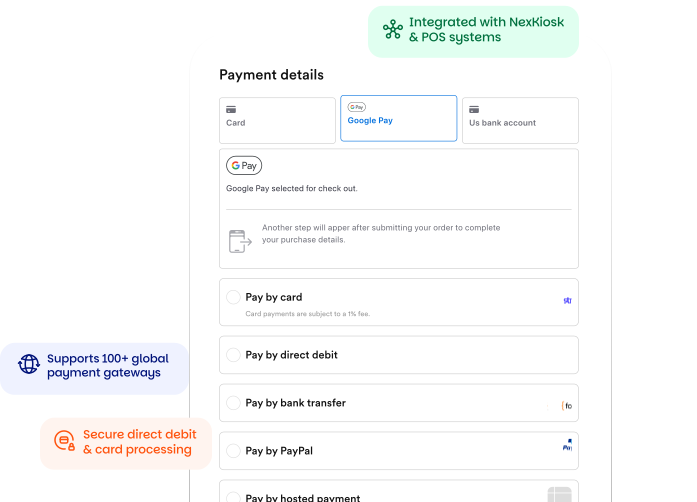
Not all payments behave the same way. Here’s how the main providers differ — and how I handle them.
Stripe Checkout vs Spreadly
Stripe Checkout
- Free to use. There’s no extra Nexudus cost.
- Members can pay by card, direct debit, or SEPA (where available).
- Needs an invoice before members can add or make a payment.
Otti Junin
Implementation Specialist
Spreadly-supported gateways (like Stripe Intents via Spreadly or Moneris)
- Come with a small extra fee.
- Let members save card details before an invoice exists, so payment runs automatically once you raise it.
- In the US, you can add transaction fees to the customer’s bill.
- In Europe, that isn’t allowed by law.
If you want to offer bank transfers, you’ll need a provider that supports them — for example, SEPA payments through Stripe Checkout.

Otti Junin
Implementation Specialist
Matching rules to payment speed
Not every payment clears at the same speed, and that’s where your rules matter. Here’s how to adjust payment and access settings depending on the method.
Cards are usually instant. So you can use ‘Upfront Payment’ to collect payments immediately for bookings. For card integrations, set a short payment window (around 15 minutes), so if payment details aren’t added, the booking is cancelled automatically.
Direct debit, like GoCardless, takes a few days.
Because direct debits take longer to process, give member payments time to clear and make sure casual bookings pay upfront using cards.
Members can have all their bookings, products, and other charges collected together on their next monthly invoice for both card and direct debit payments.
Non-members or day users can pay at the time of booking because they don’t have a recurring billing cycle to attach those charges to.
US bank payments can take up to 10 days, and these payments need a little more flexibility.
Don’t link access to instant payment, but keep the account suspended until the payment’s confirmed and let members know when access will start.
You can also allow customers to pay once the booking has ended, and if they’re members roll those charges into their monthly invoice.
For memberships (plans), it’s best to set the suspension rule to trigger after 15–30 days.
That gives payments time to clear before Nexudus automatically restricts access.
Otti Junin
Implementation Specialist

Real-time booking and payment
Once Nexudus is connected to your website, people can browse, book, and pay in one smooth flow.
When they hit “pay,” the booking is created, the space is blocked off, and your dashboard updates instantly.
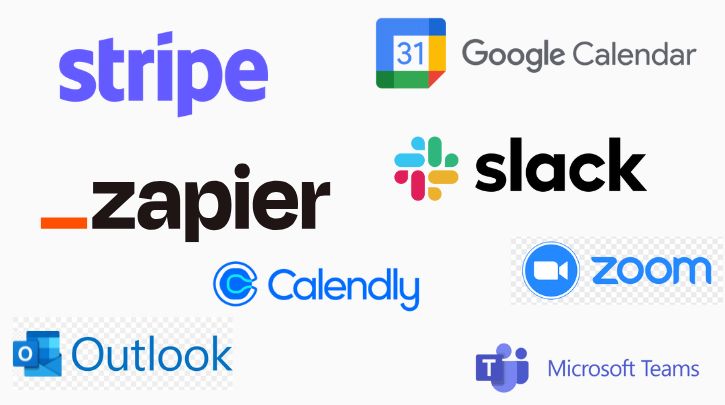
If you’re listing your space on a coworking marketplace, you can integrate Nexudus so that your listings can be booked, paid for and updated in real-time.
Head to our integrations page to see the sites we natively integrate with.
Setting fair suspension rules
Suspension settings are what keep payments and access in sync.
They decide how long someone can stay active before the system automatically restricts their account for non-payment.
If payments are instant (like cards), access can be granted straight away, there’s no delay or risk. But for slower methods (like direct debit or ACH in the U.S.), it’s better to allow a longer window. You might let members pay once their booking ends, or roll their charges into their monthly invoice instead.
This way, members aren’t locked out while payments are still clearing, and the process still enforces accountability if an invoice genuinely goes unpaid.
In practice, that means:
- Cards = activate access immediately.
- Direct debit or ACH = hold access until funds clear, or set suspension to kick in after 10–30 days.
The result is simple: your members stay informed, you stay protected, and Nexudus automates the rest.
Otti Junin
Implementation Specialist
Managing access and reminders
The payment system links directly to your access controls.
You can:
- Automate payment reminders and overdue notices
- Choose how long before access is restricted
- Suspend and reactivate accounts automatically
It’s up to you to decide what feels fair. You can offer a short grace period or turn on suspension the moment a payment misses its deadline.
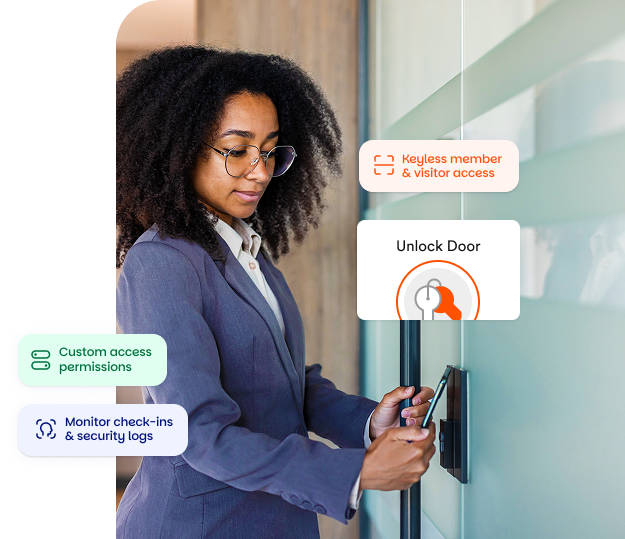
Either way, the process runs quietly in the background: doors, Wi-Fi, and printing all follow the same logic.

Point-of-sale and ad-hoc purchases
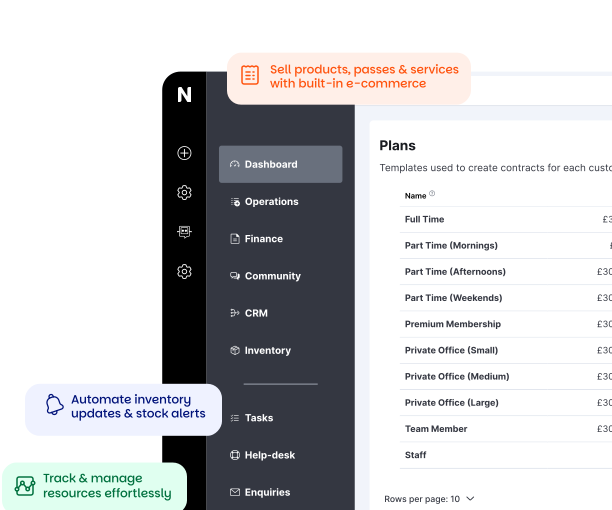
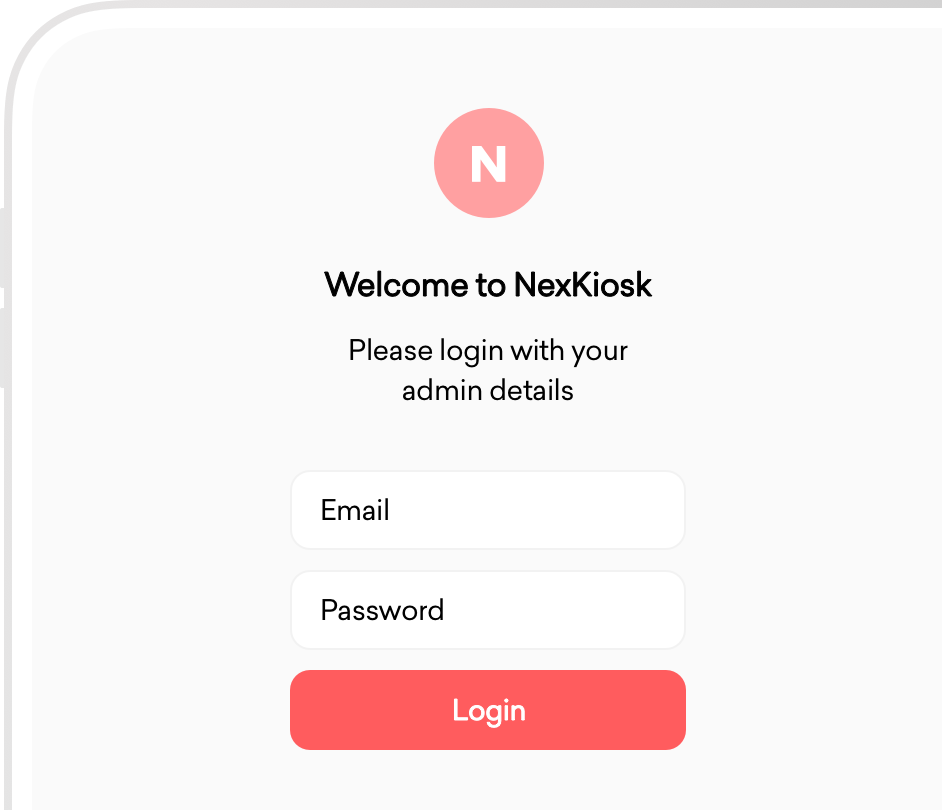
If you sell from a café, shop, or honesty bar, our free NexKiosk app handles contactless and card-reader payments.
Members can also pay invoices straight from the Passport app, and everything syncs automatically with their Nexudus account.
That means every sale, booking, and payment appears in one consistent record.

Questions to ask in a demo
If you’re exploring coworking software and want to see how payments fit into your daily operations, try asking:
- “Can you show me how a member adds their payment method during sign-up?”
- “Where do members find invoices and receipts?”
- “How do late-payment reminders and grace periods work?”
- “Can I see the audit trail for a payment or refund?”
A good demo should make these flows clear and reveals how much real-world control you’ll have day to day.
Want to know more about
how Nexudus could help your business?
We’re here to answer any questions you have.
Latest articles
-

- Coworking
- Coworking Resources
The Subtle Strains Undermining Coworking Experience
Lucy McInally on February 27, 2026 -

- Coworking
- Technology
Why Your Coworking Experience Breaks (It’s Operational, Not Cultural)
Kate Tattersfield on February 26, 2026 -

- Coworking
- Coworking Resources
Farewell Flat Pricing – Dynamic Pricing Has Staying Power
Kate Tattersfield on February 18, 2026