

Page Visibility Settings in the Members Portal
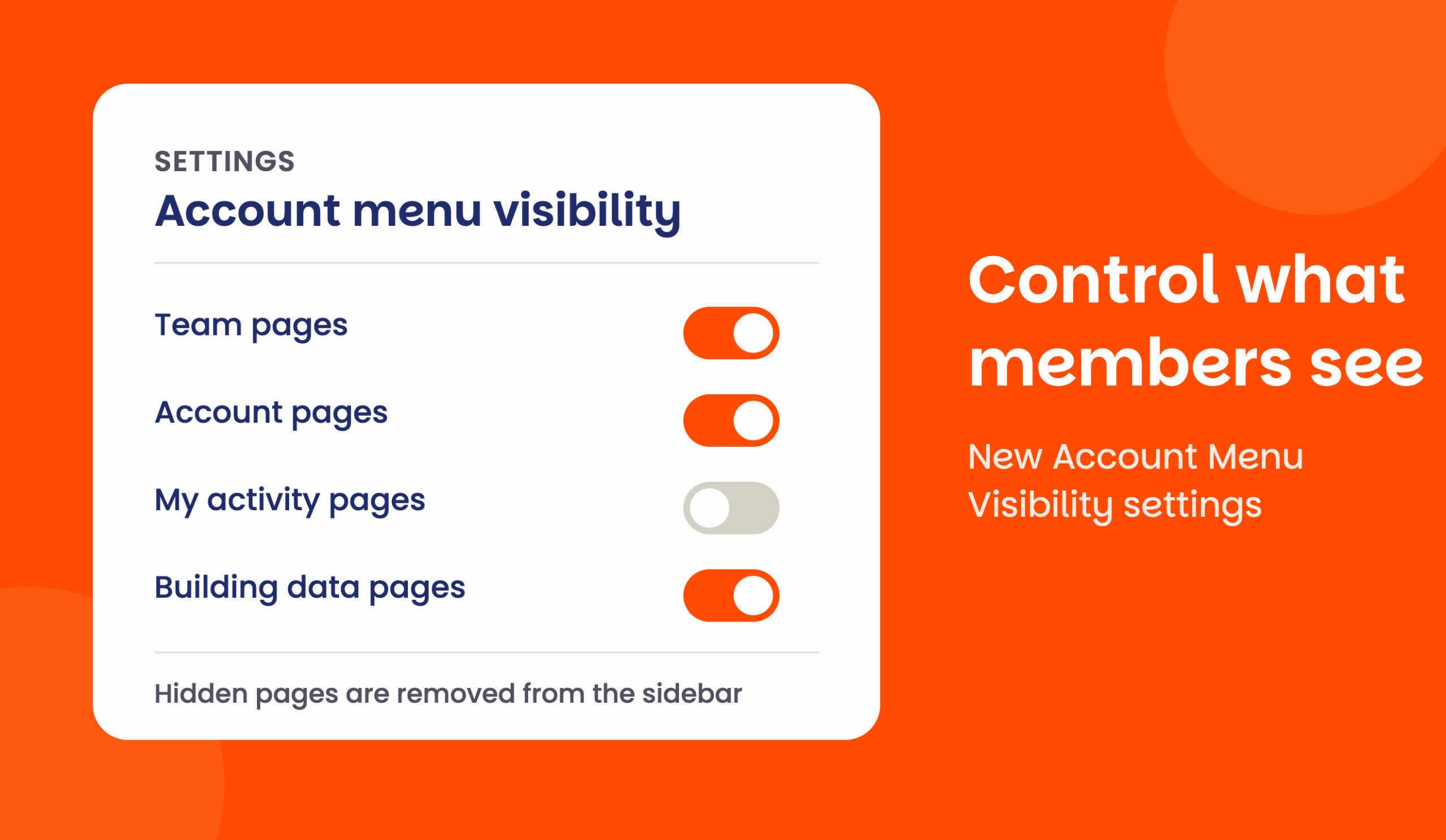
Account menu visibility
Operators can now control which pages members see in the Members Portal, directly from the Admin Panel. This gives admins more flexibility over how much information and functionality is exposed to their teams and members.
The new settings can be found under Settings > Website > Account Menu Visibility
In Account menu visibility, admins can control which pages customers can see in their account when they’re logged in to the Members Portal.
They can control visibility for Team pages, Account pages, My activity pages and Building data pages.
How it works
Each page can be shown or hidden using a simple toggle. If all pages in a section are hidden, the section itself is also hidden from the account menu and sidebar. Hidden pages are also protected from direct URL access, redirecting members to the dashboard instead.
Please note that the Invoices page setting is connected to the existing users can view and pay their invoices setting. Hiding the Invoices page will also hide the option for members to view or pay invoices from the Members Portal, and vice versa.
This feature is available to operators using Members Portal v5.
Want to know more about
how Nexudus could help your business?
We’re here to answer any questions you have.