

Product visibility on NexKiosk
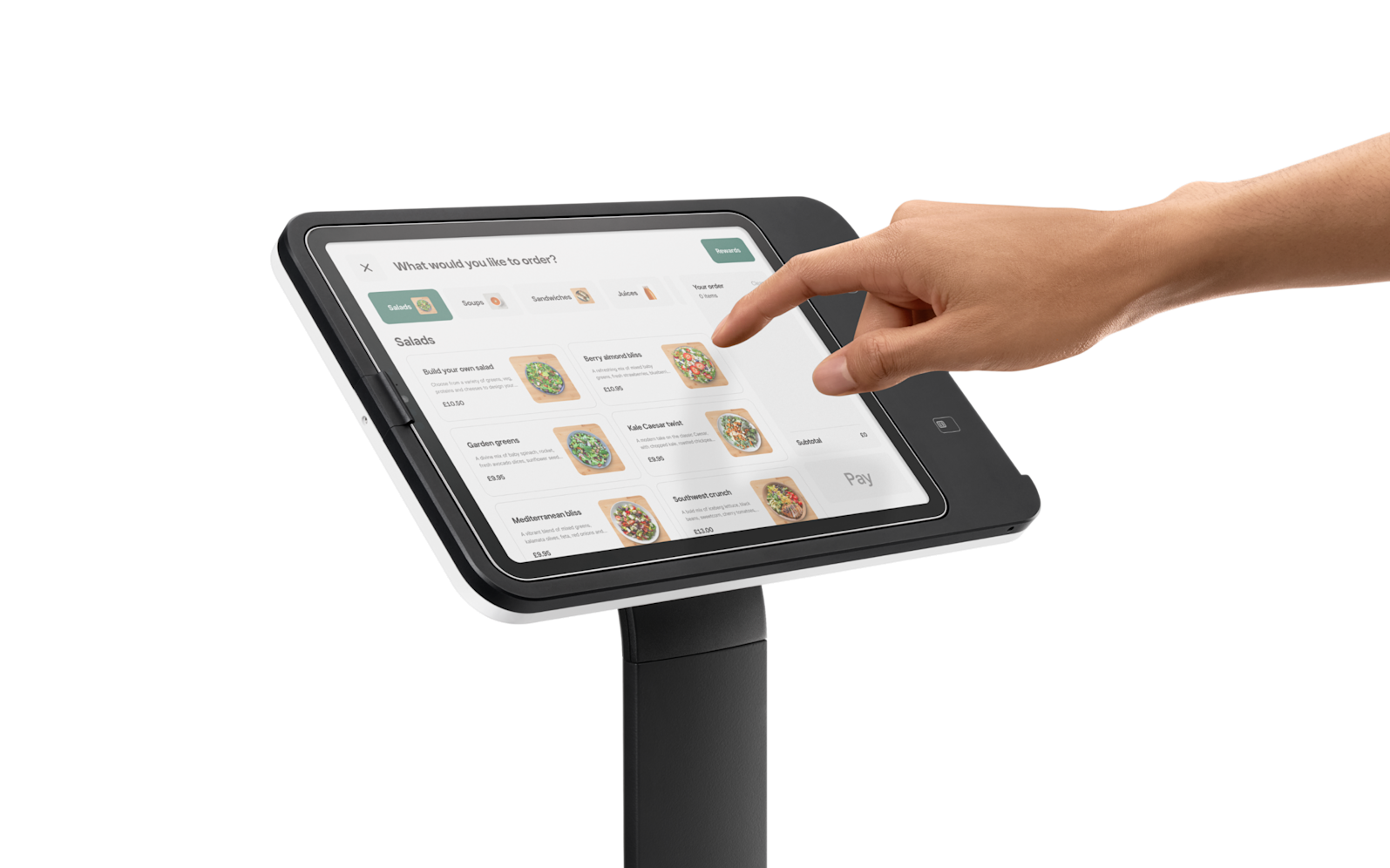
What’s new in NexKiosk
You can now control product visibility independently for the Members Portal and NexKiosk – Kiosk mode.
Additional settings in NexKiosk
When NexKiosk is enabled in the Admin Panel, an additional Kiosk mode setting will appear in the Integration tab of the product record. This allows you to determine whether a product appears in POS or Kiosk mode. Previously, product visibility was linked to the visibility on the Members Portal.
This is a great update for spaces wishing to sell specific products, for example, food items, just on the NexKiosk app and not on the Members Portal.
Visibility Status Tags
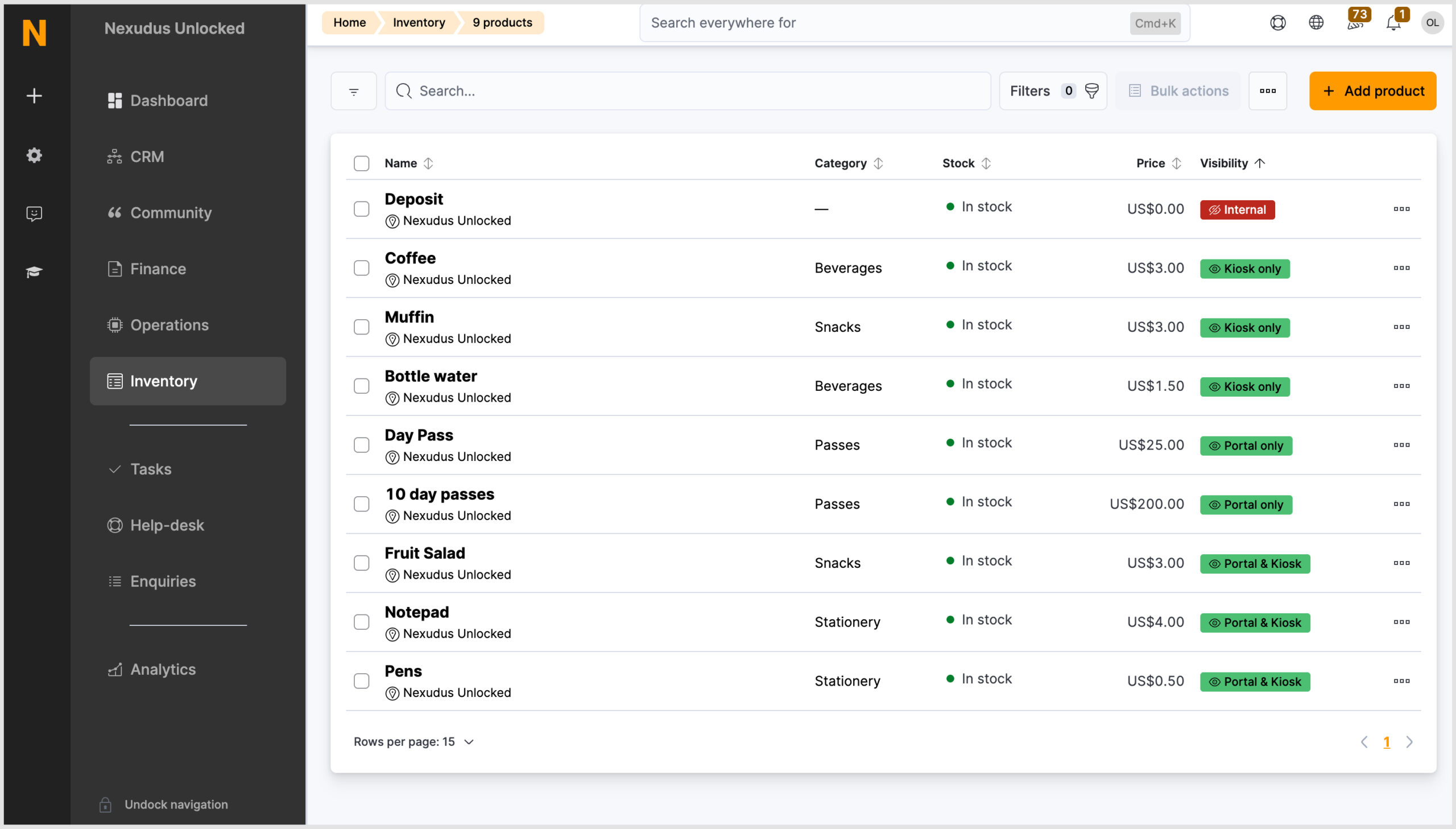
We’ve also updated the visibility status tags for products to make it easy to see whether a product is visible on the Members Portal and Passport app and/or NexKiosk or is an internal-only product.
Want to know more about
how Nexudus could help your business?
We’re here to answer any questions you have.